Digital Nostalgia | Analog Overlay Pack
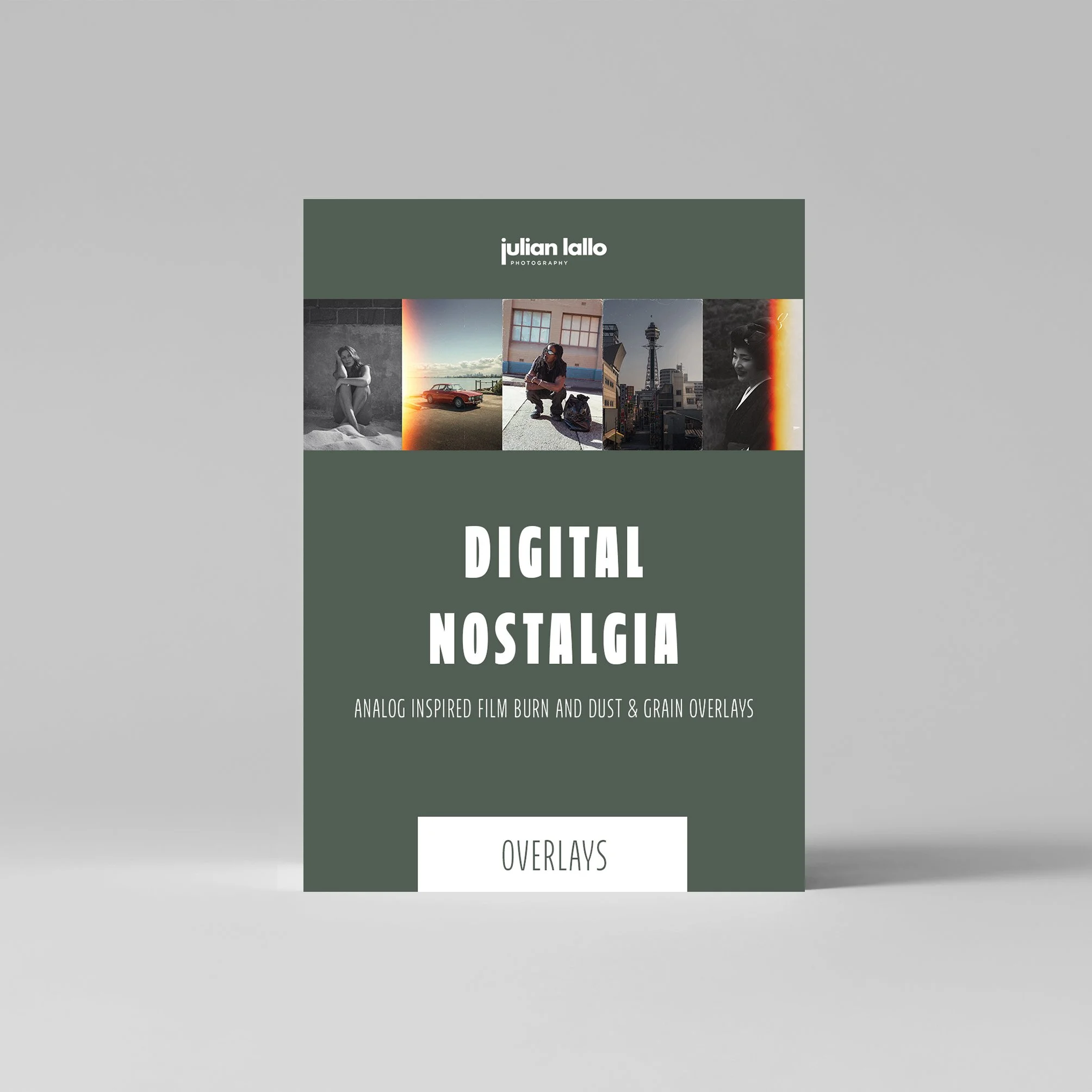
Digital Nostalgia | Analog Overlay Pack
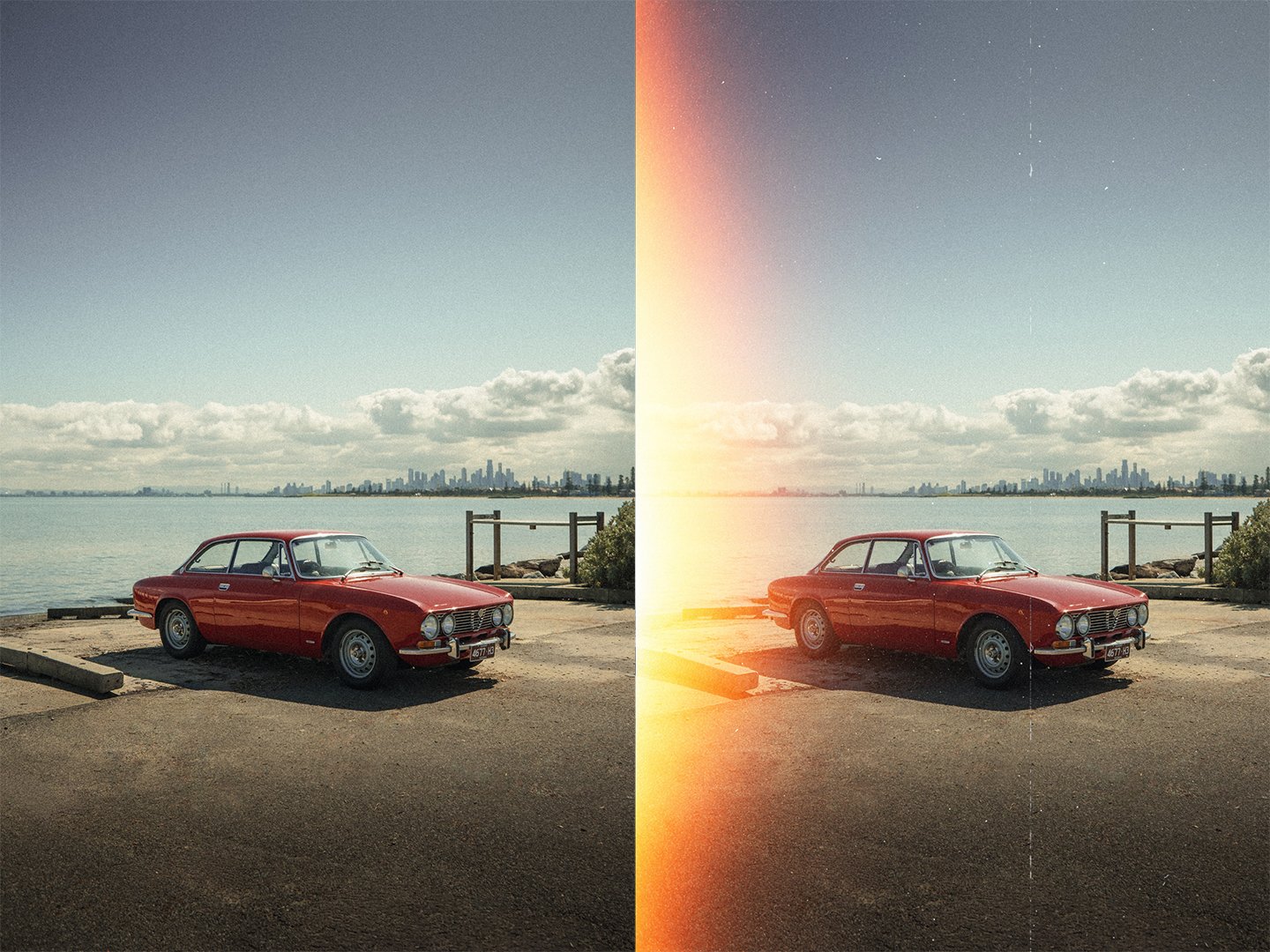
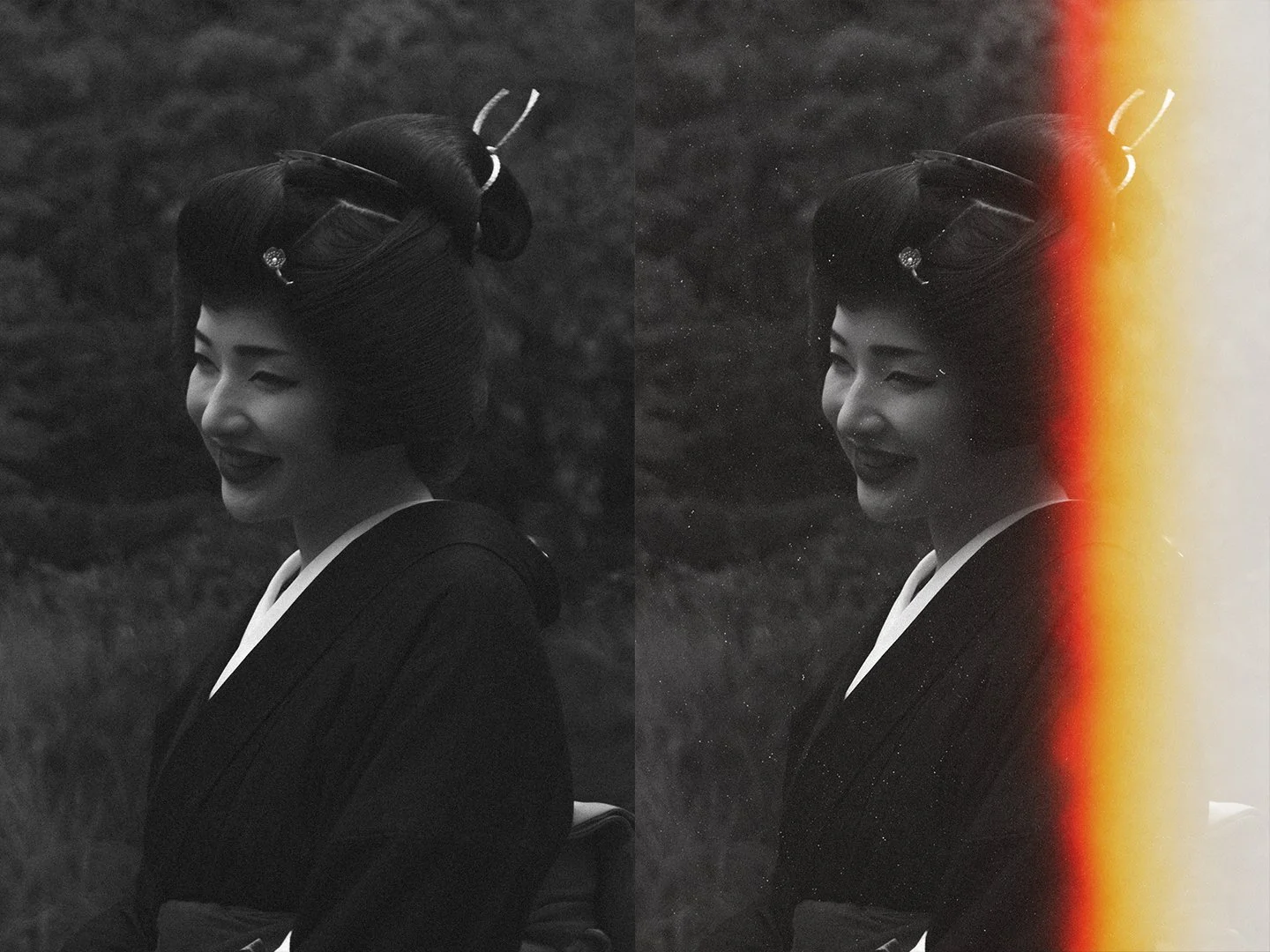
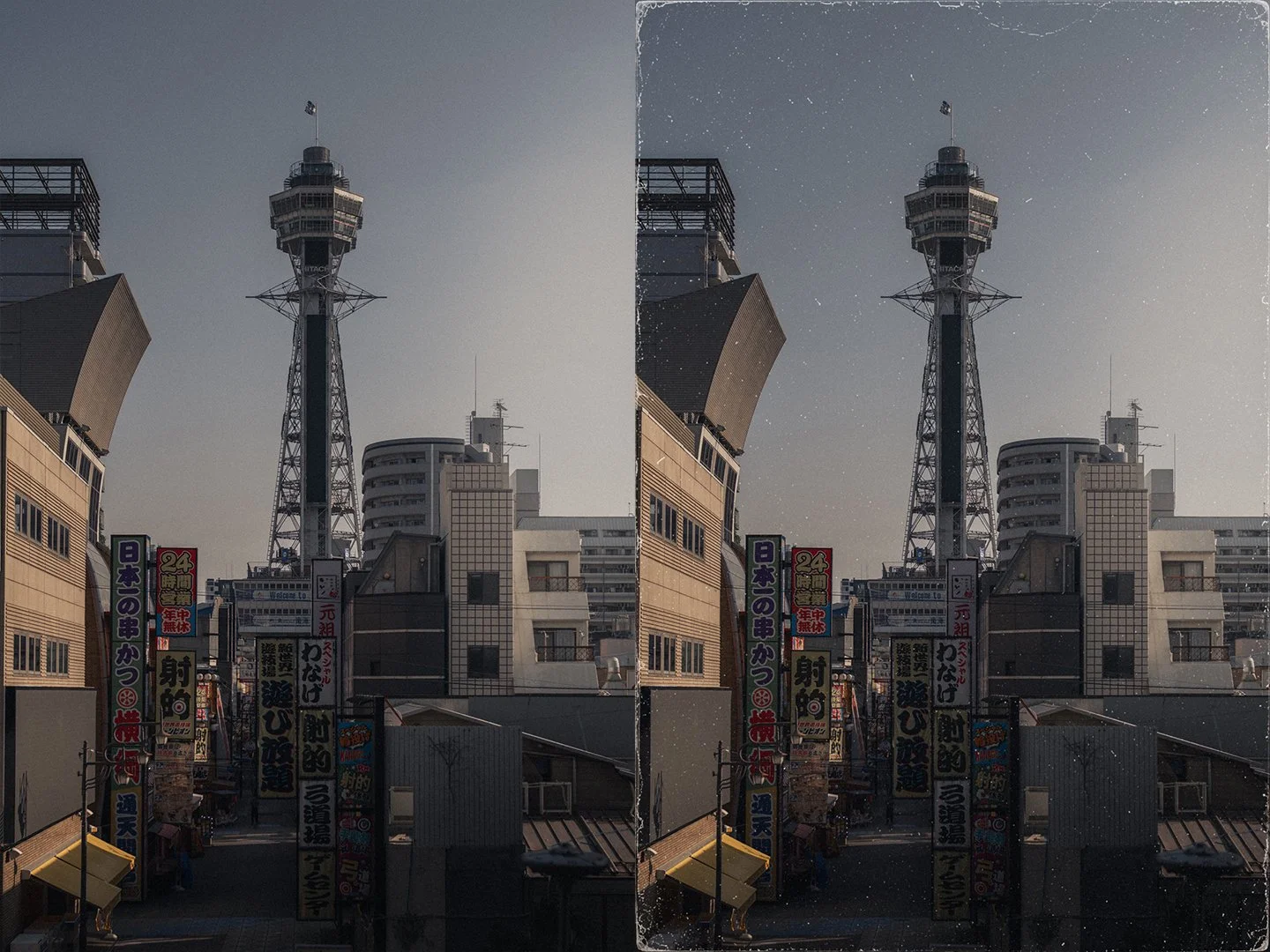
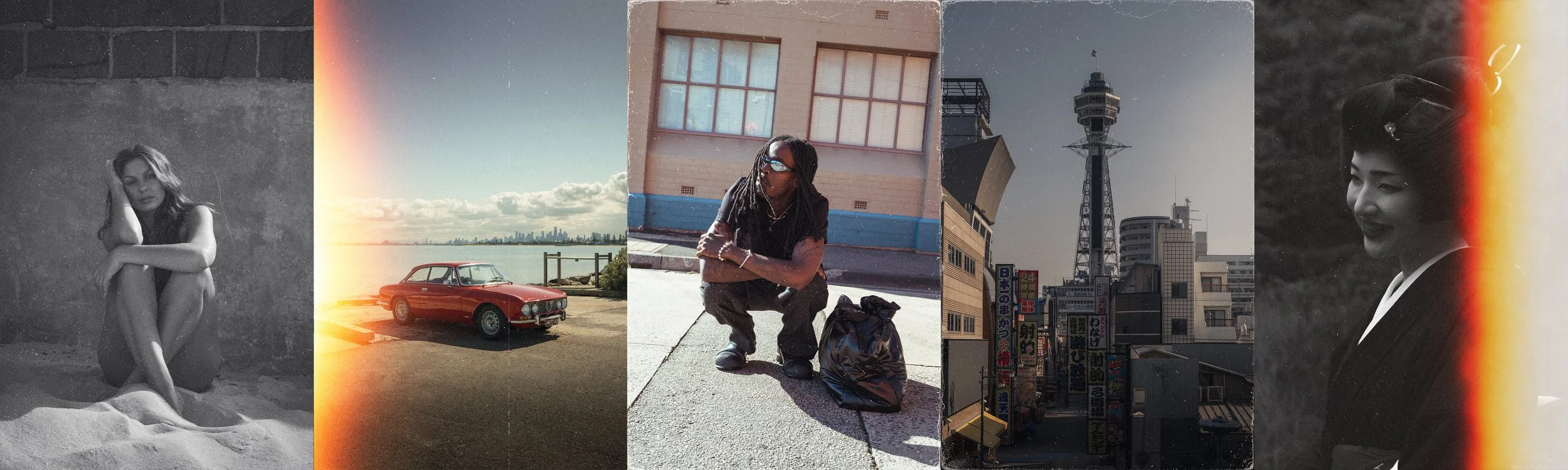
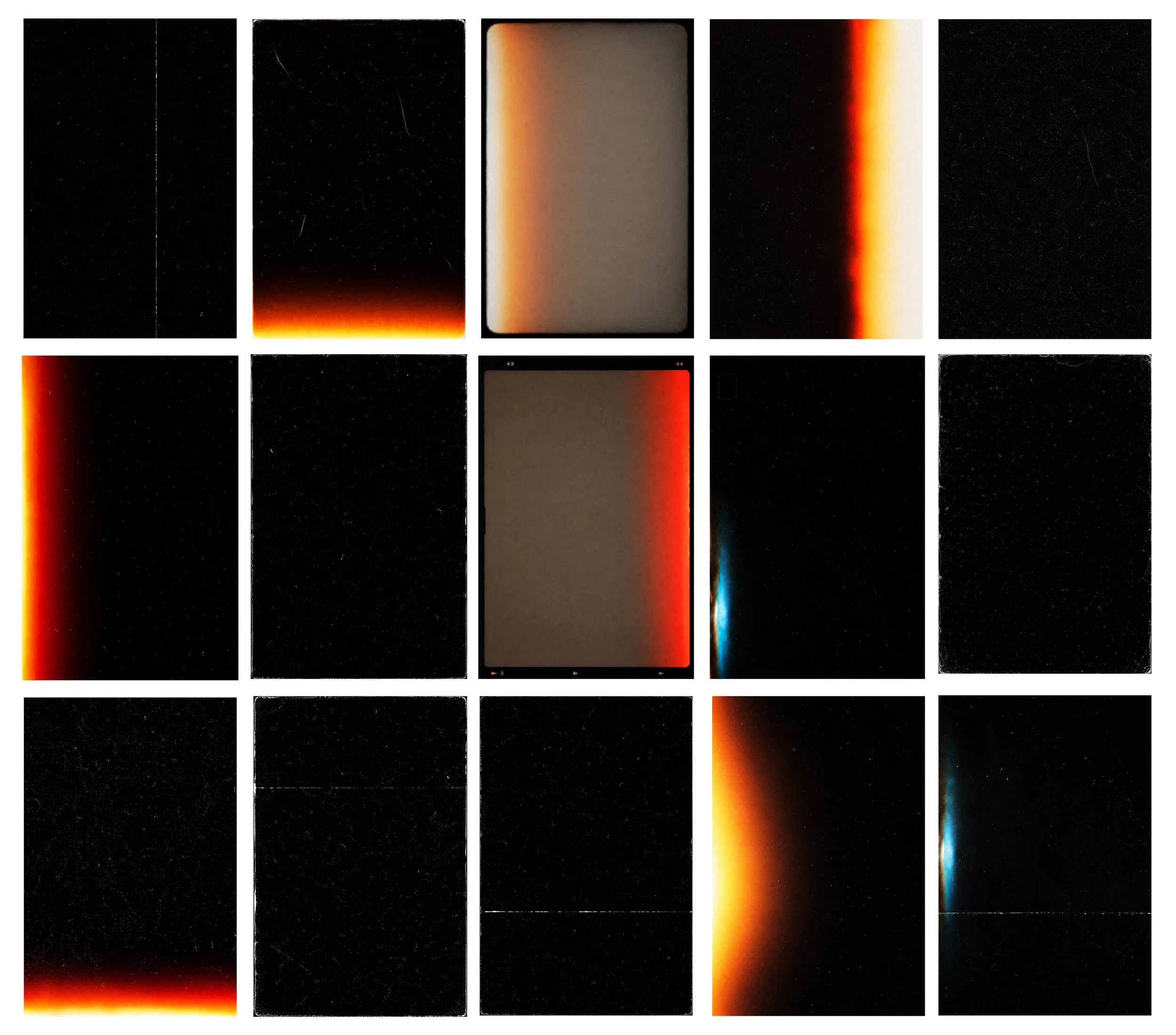
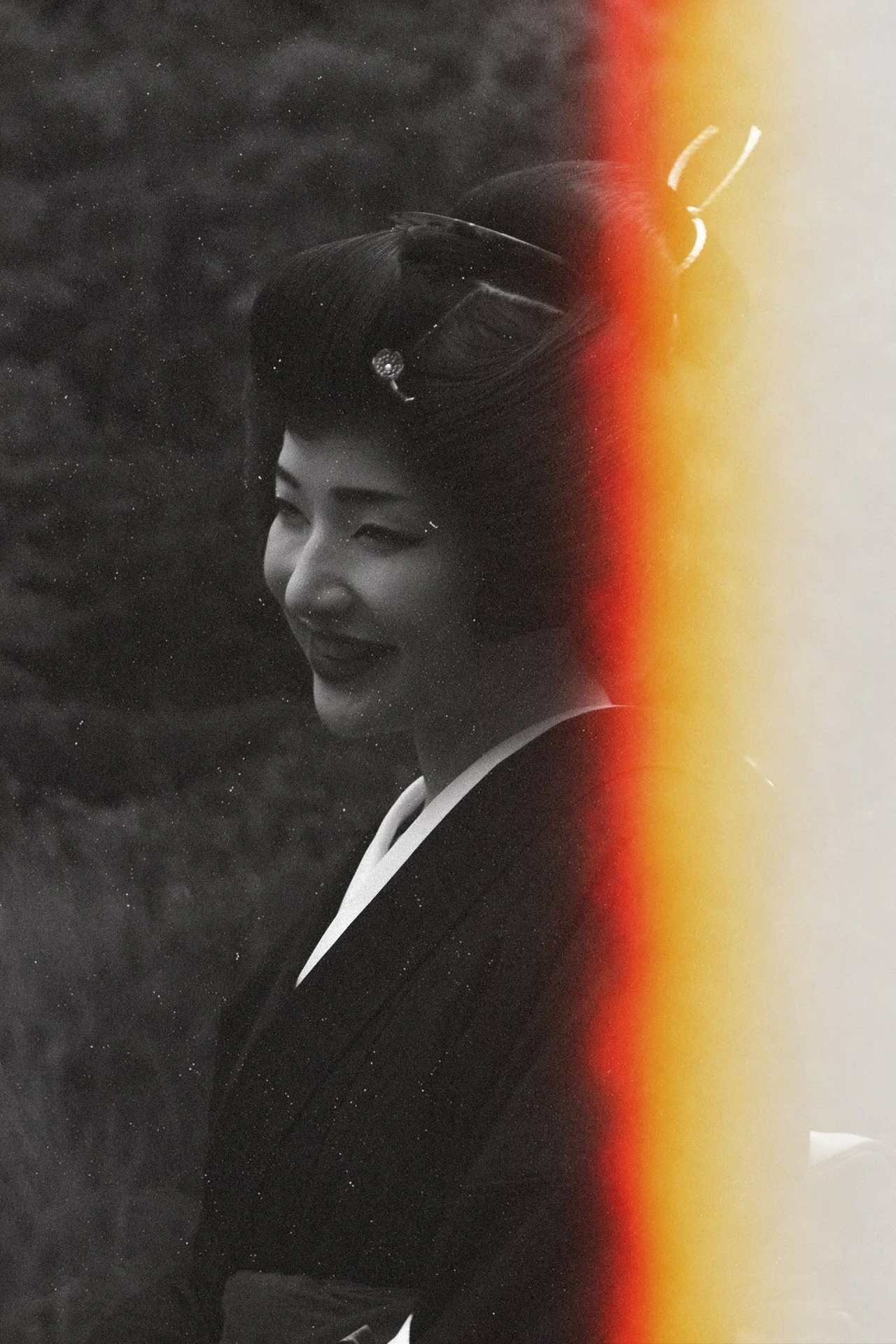
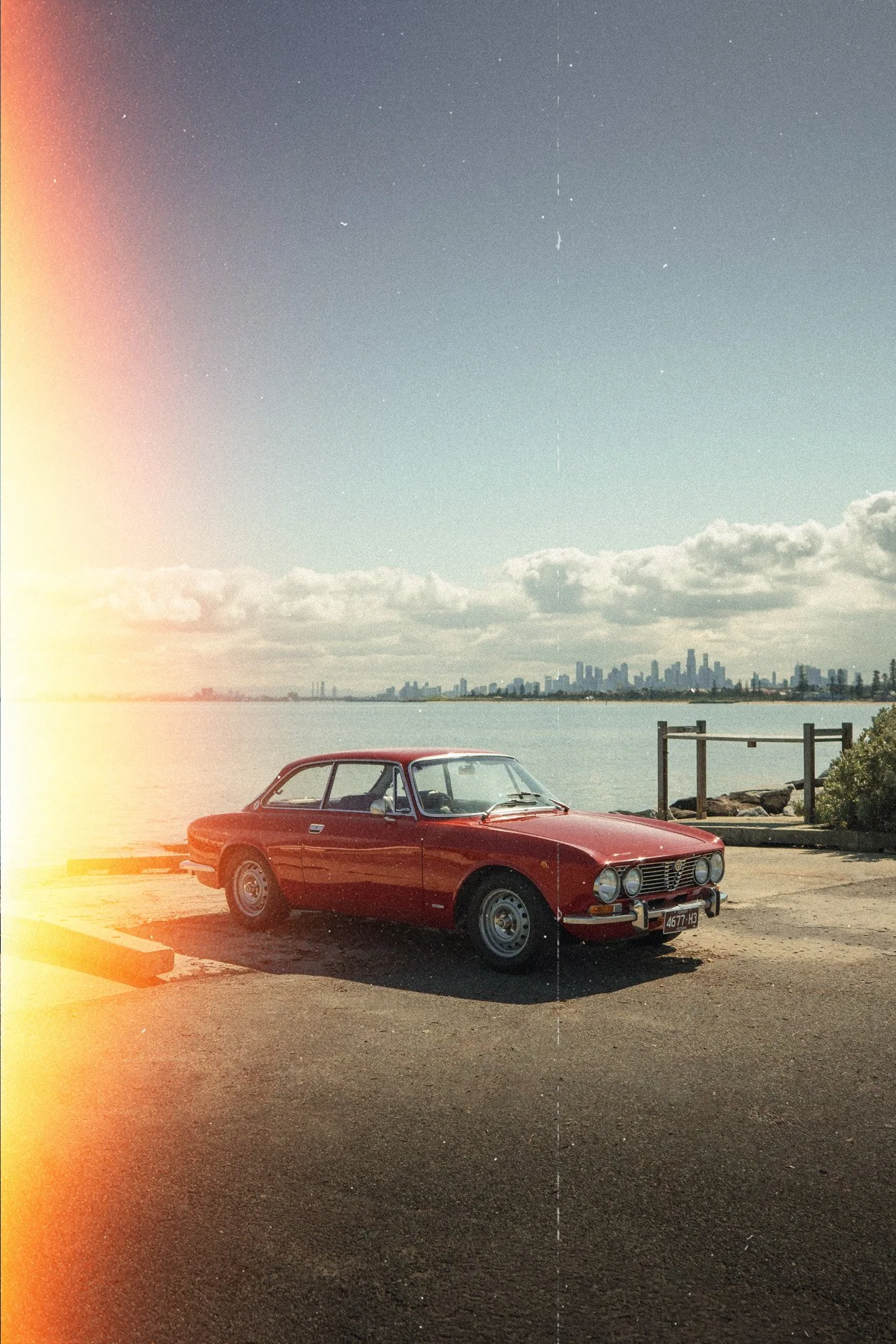
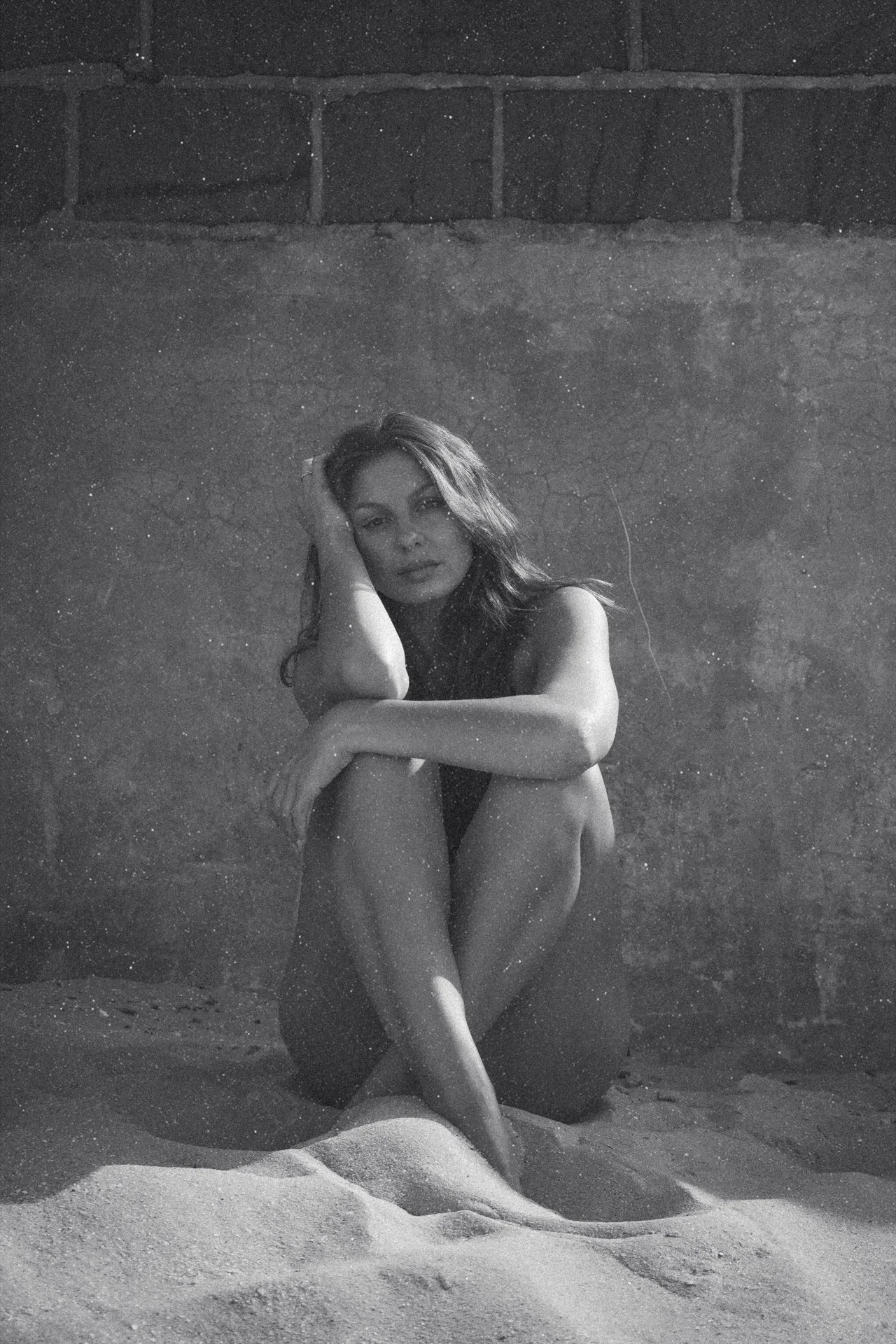
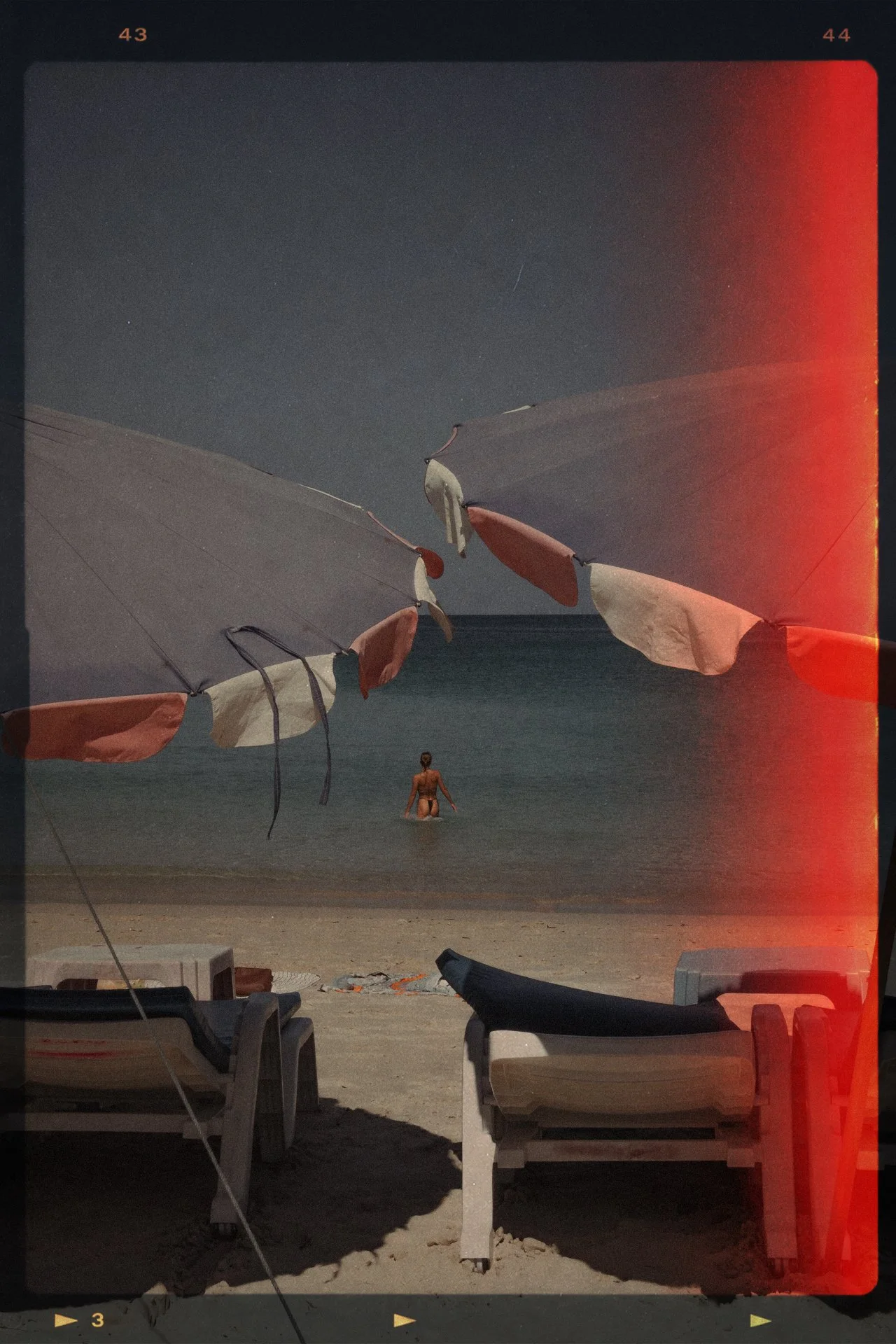
Effortlessly transform your photography or graphic design by adding a touch of nostalgia with this versatile pack of FIFTEEN analog inspired overlays.
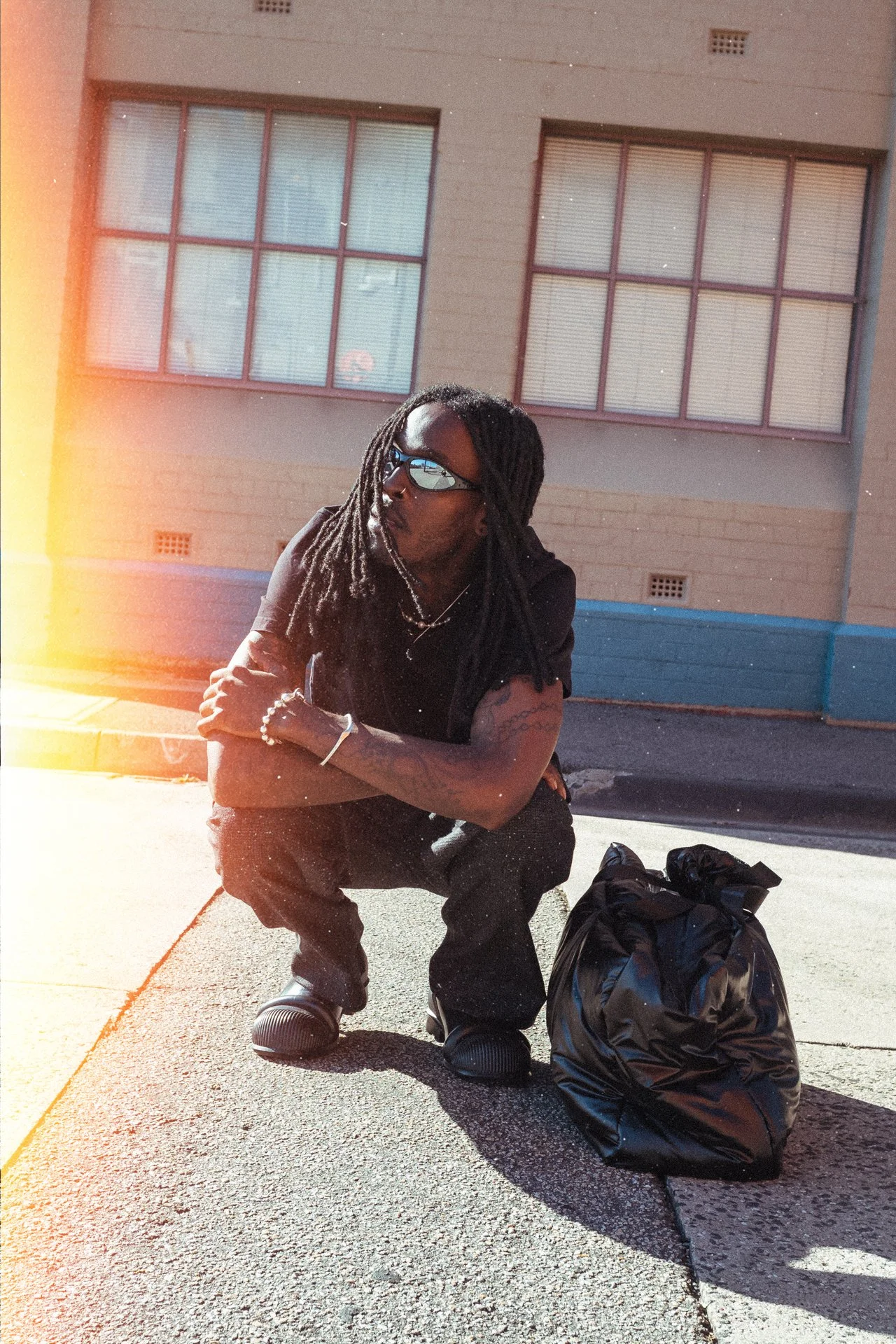
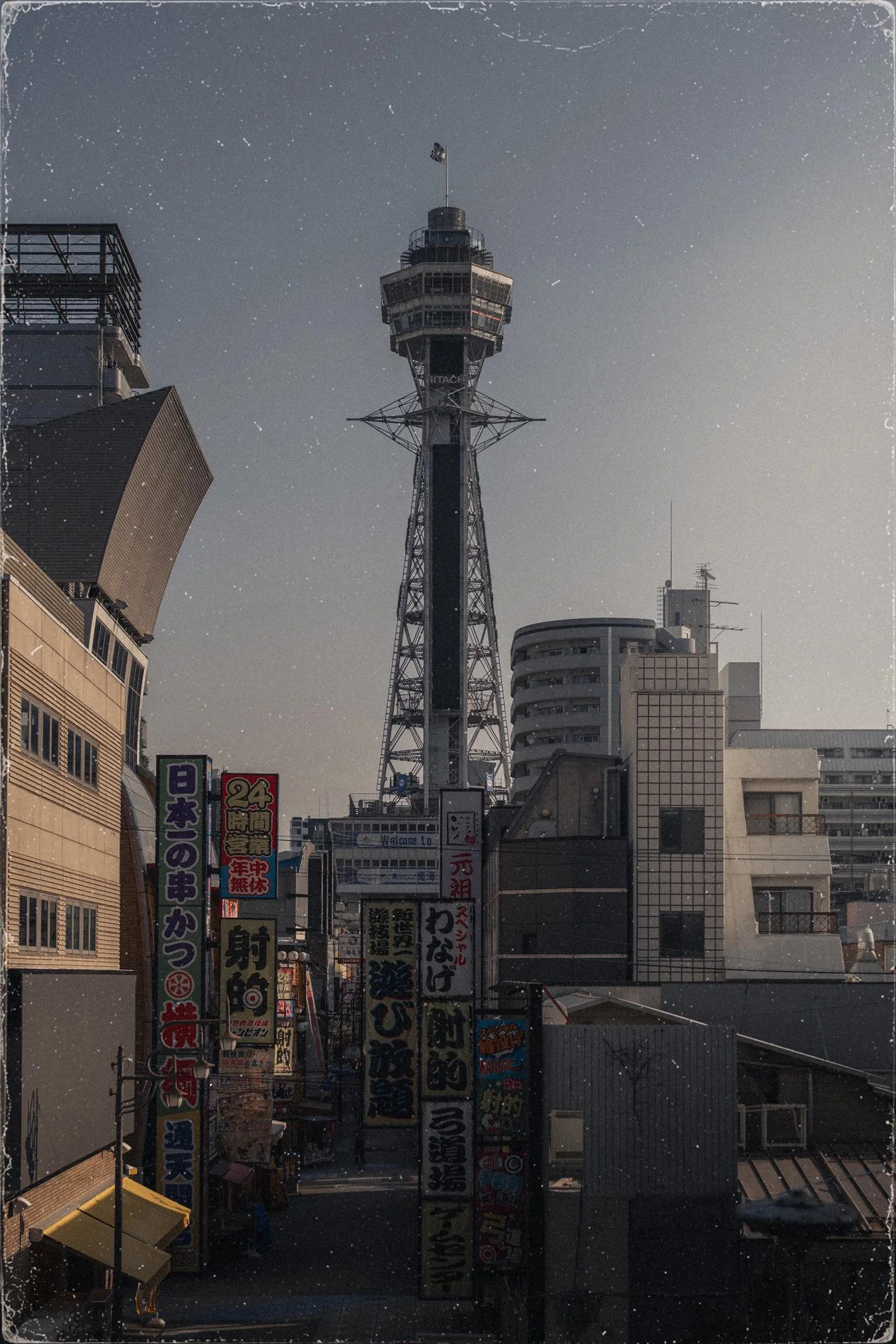
Digital Nostalgia is created from real life photography this pack includes a curated collection of high-resolution film burns, dust & grain textures, frame mattes and authentic analog-inspired overlays.
Together, these overlays offer a range of options for enhancing the visual appeal of your photography, from landscapes to portrait and food, as well as graphic design projects.
*price in USD
Pack OVERVIEW & Inclusions
15 X PREMIUM overlays
Easy to follow Photoshop and Canva instructions for application
Pro-tips for best use
Instant download & immediate access
Lifetime use
Free Support via e-mail
Frequently Asked Questions
What is an overlay?
An overlay is a texture or effect layer placed on top of your photo or video to add atmosphere, depth, and character. These overlays recreate the imperfections of real analog film — including grain, dust, scratches, film burns, light leaks, and vintage frame textures — helping digital content feel more cinematic and organic.
What are the overlay dimensions?
The pack includes 15 high-resolution overlays exported at 1280 × 1920,
Additionally, the two film frame overlays are also included at:
1080 × 1920
1080 × 1350
Giving a total of 19 PNG files
What software can I use these overlays with?
These overlays work with any software that supports PNG files and layers, including Photoshop, Premiere Pro, After Effects, Canva Pro and more.
Please note: as the files are black background PNG (not transparent) they are best suited to Photoshop, Premier Pro and After Affects as these programs have multiple blend mode options.
Will these work for both photo and video?
Yes. The overlays were designed to work seamlessly across both photography and video editing workflows. Keep in mind that they are static in nature — meaning the grain, dust, and film textures do not animate or move on their own when used in video projects.
*please note that given file download is immediate there is a no refund policy on preset packs