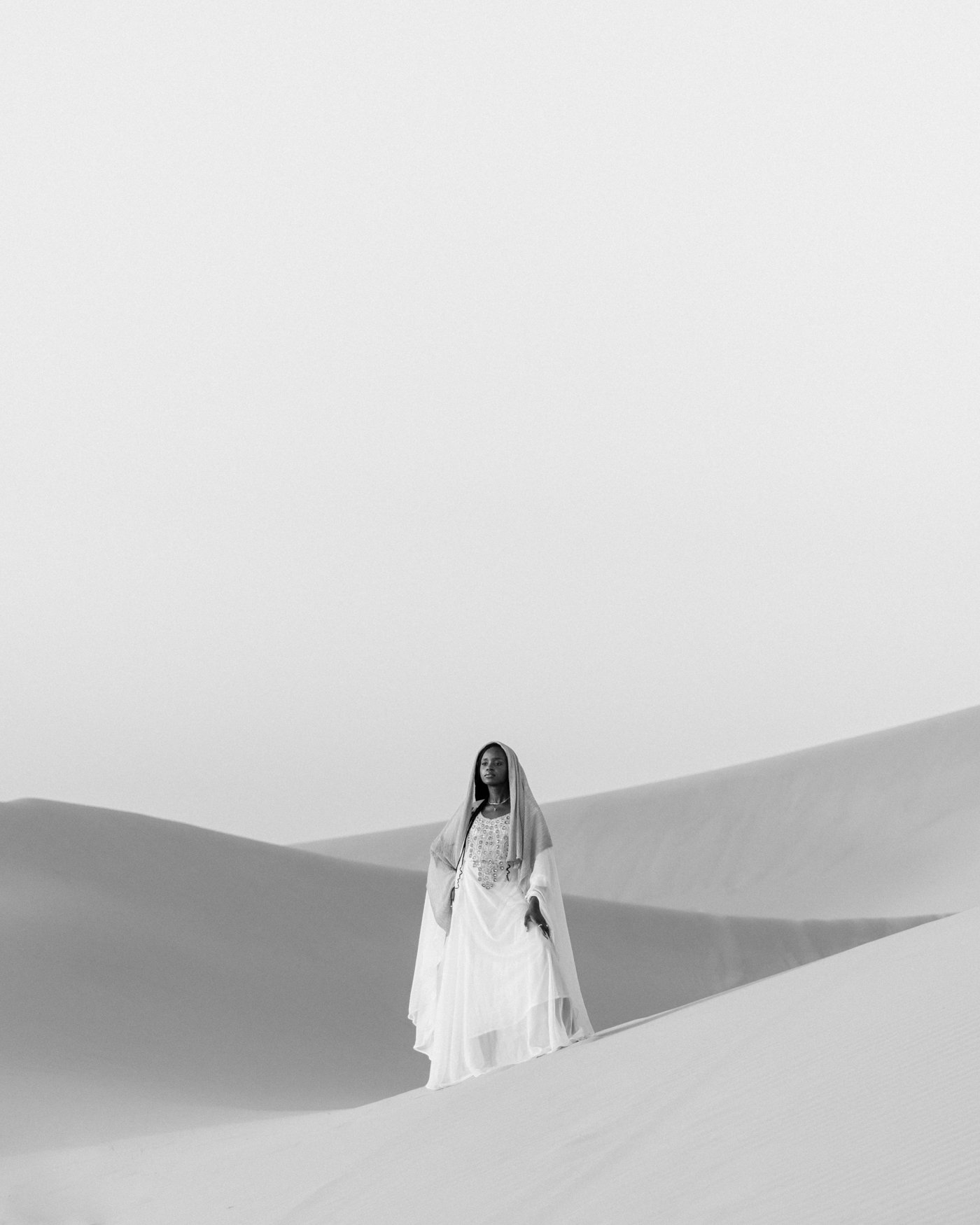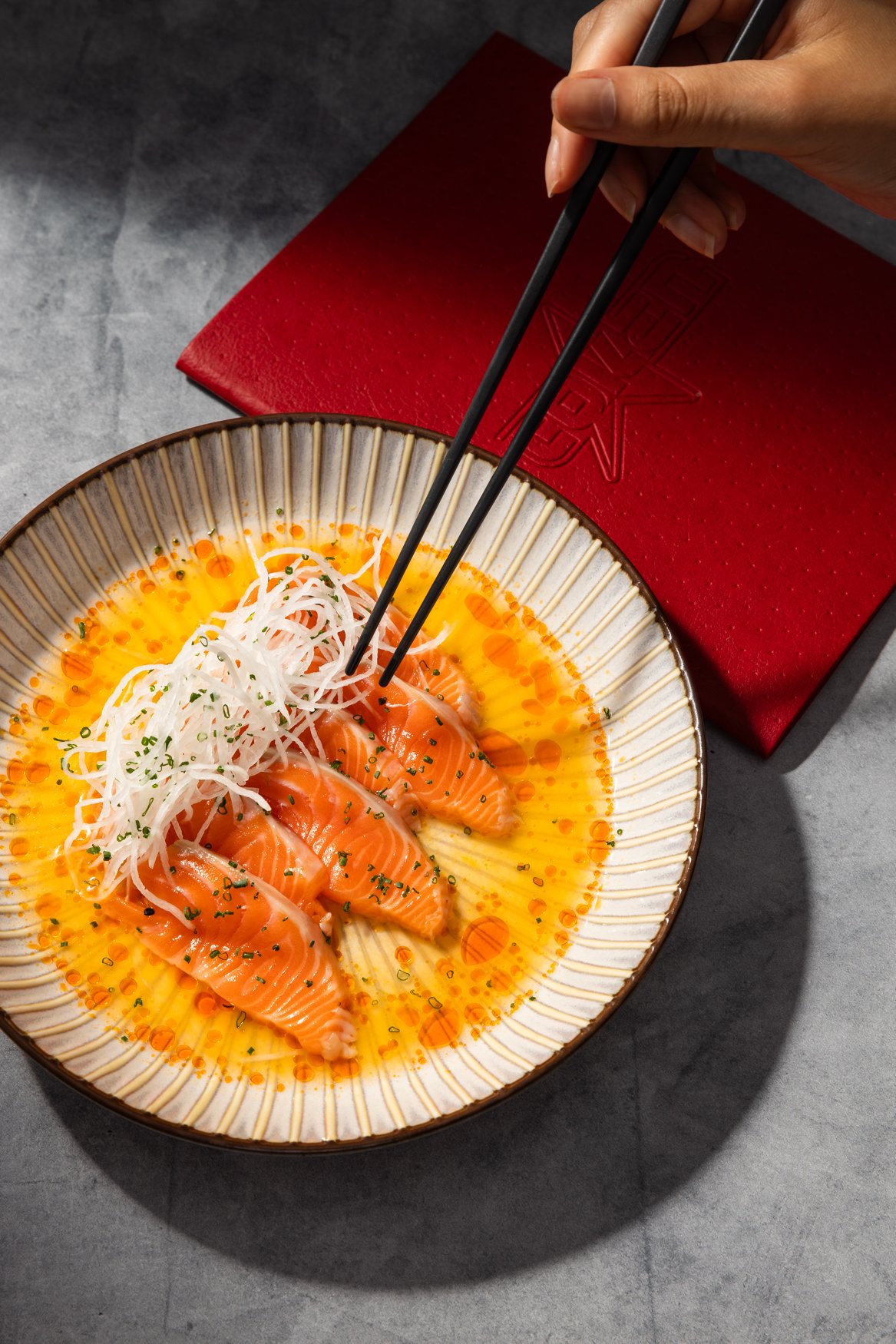
Creator Bundle | Complete Preset Bundle + Digital Nostalgia Overlays
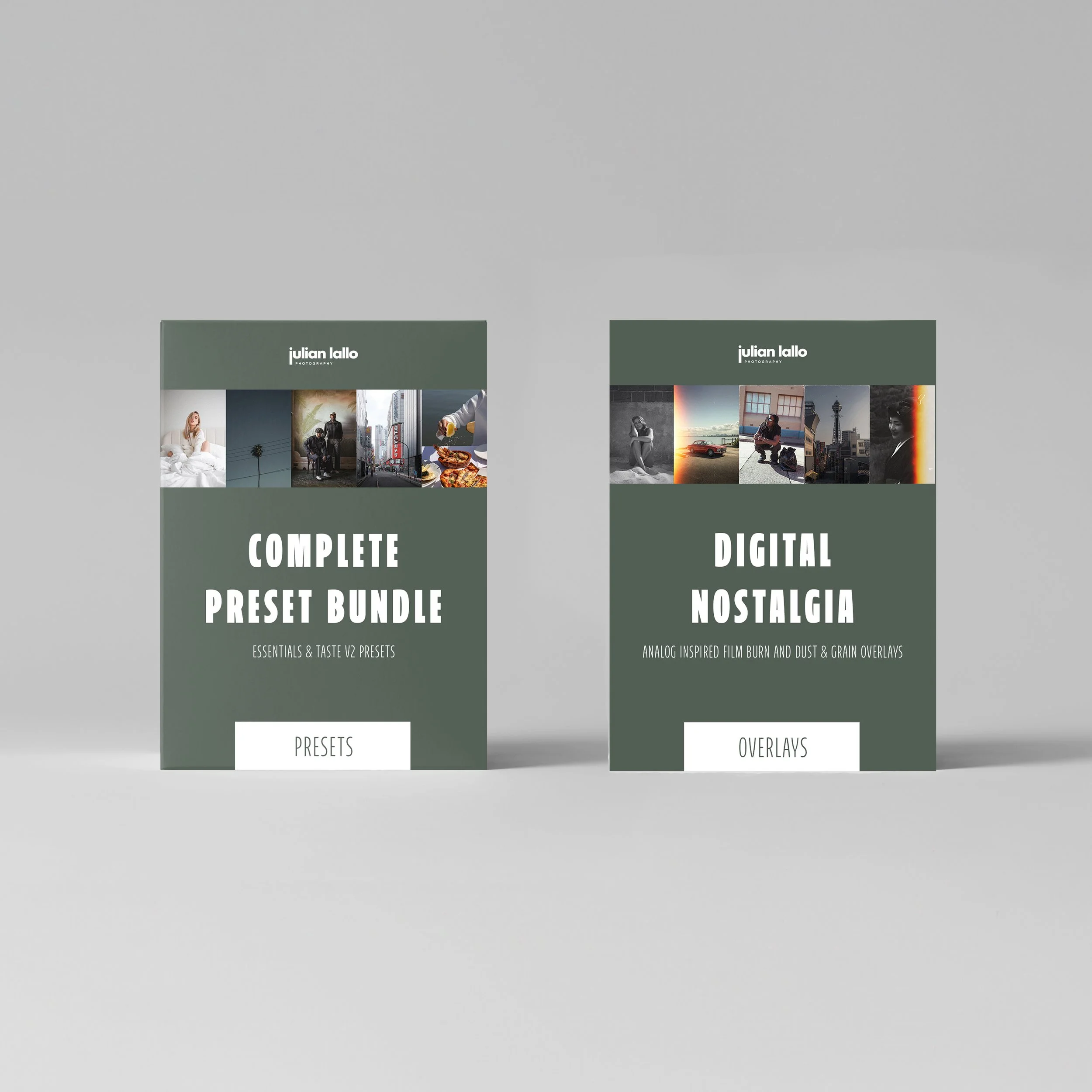
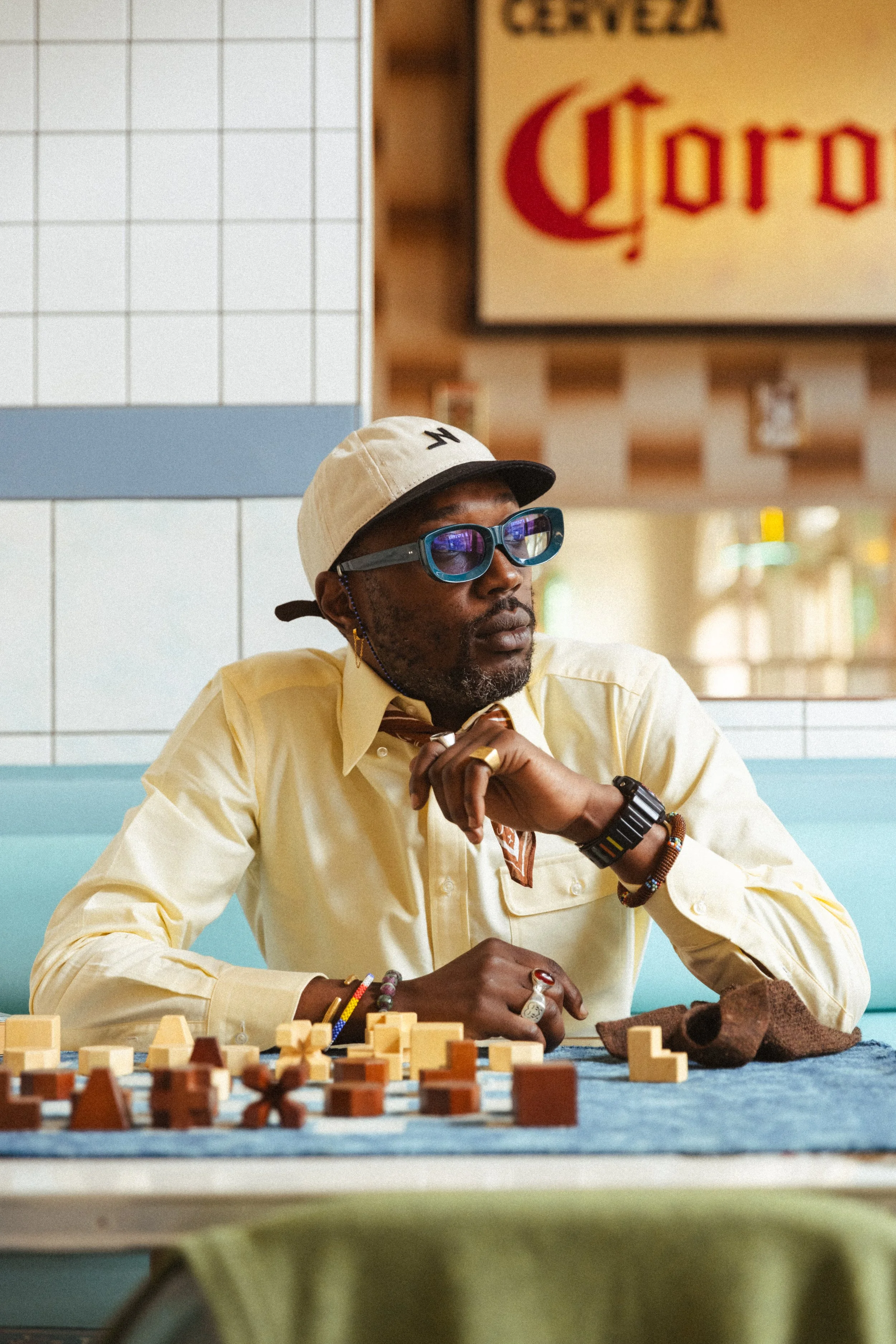


Creator Bundle | Complete Preset Bundle + Digital Nostalgia Overlays
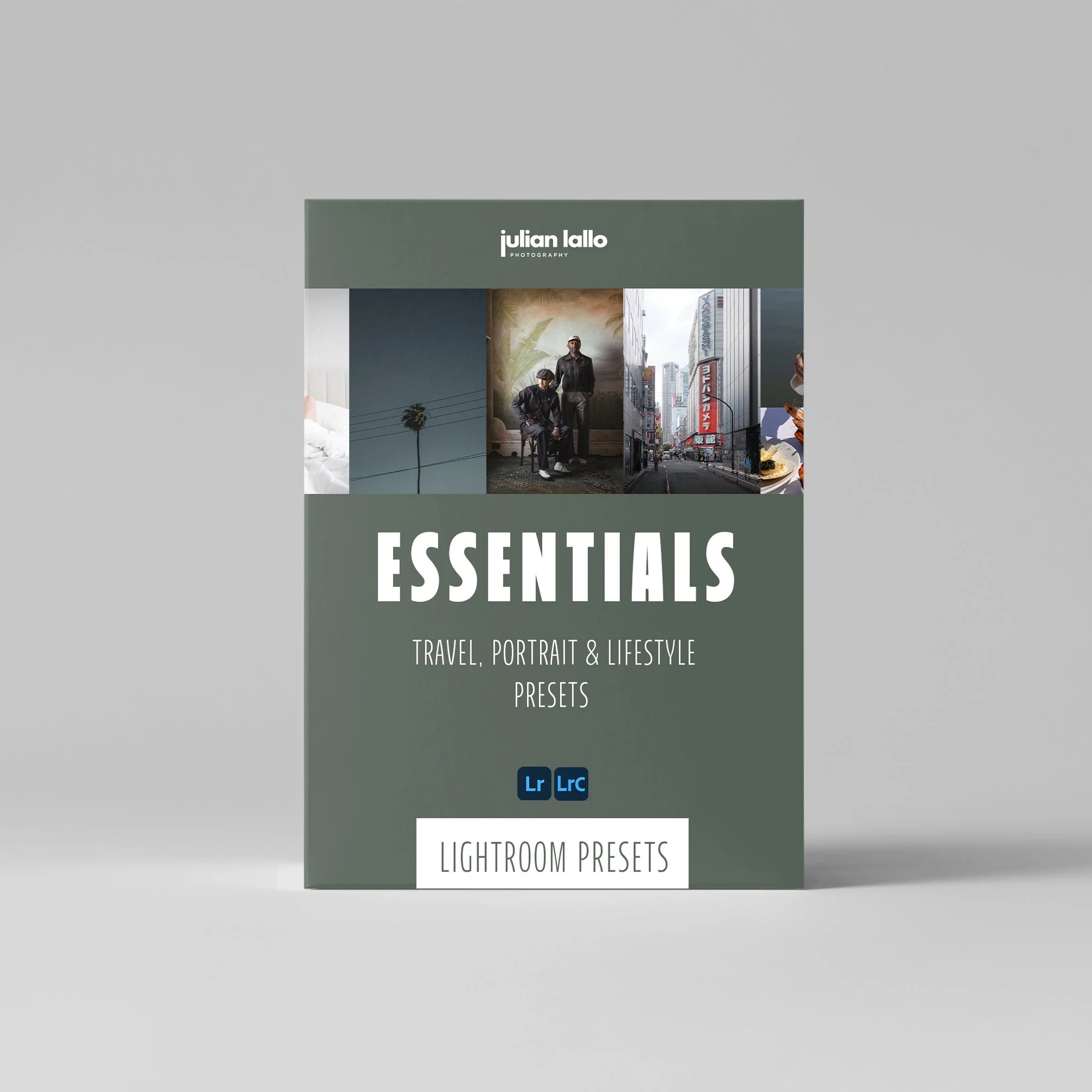
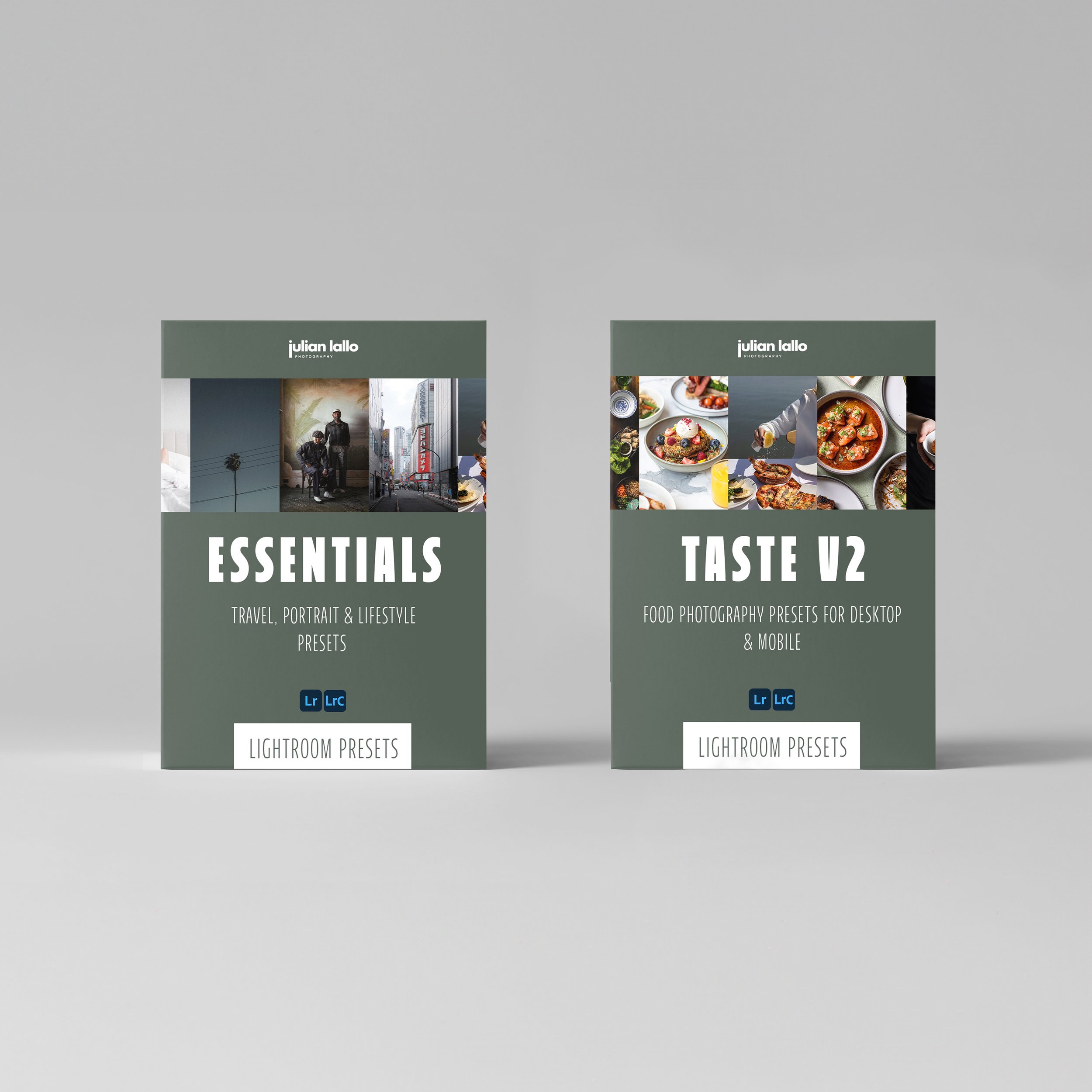
The Julian Lallo Creator Bundle includes the Essentials and Taste V2 preset packs - plus Digital Nostalgia.
ESSENTIALS PACK
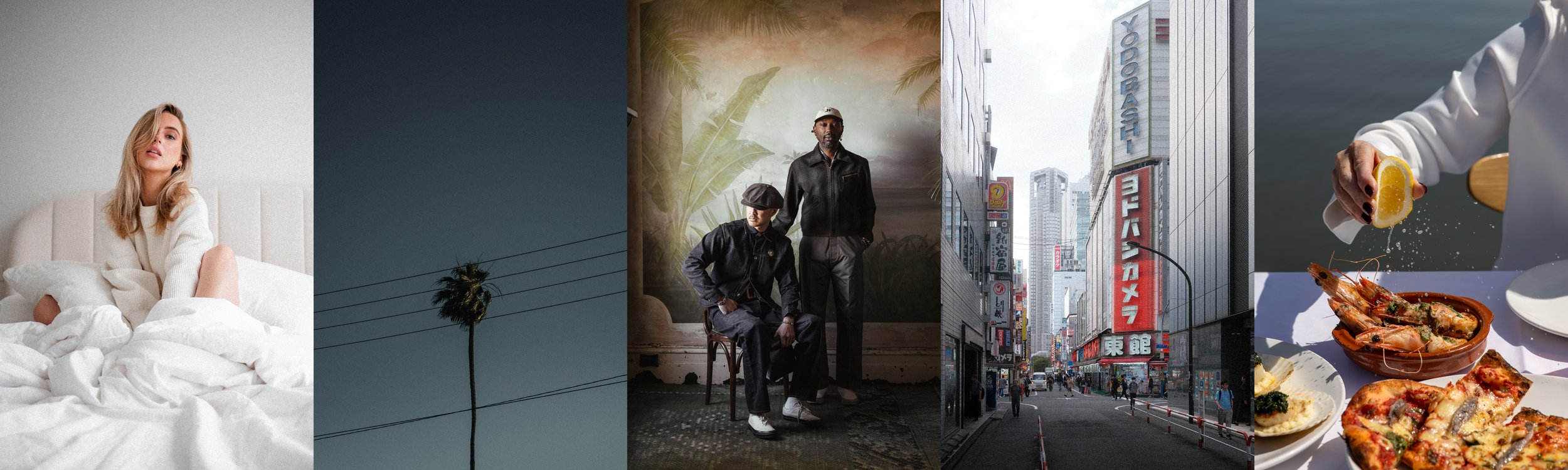
18 Lightroom presets crafted to deliver consistent, natural colour across travel, portrait, and lifestyle photography — available for both desktop and mobile.
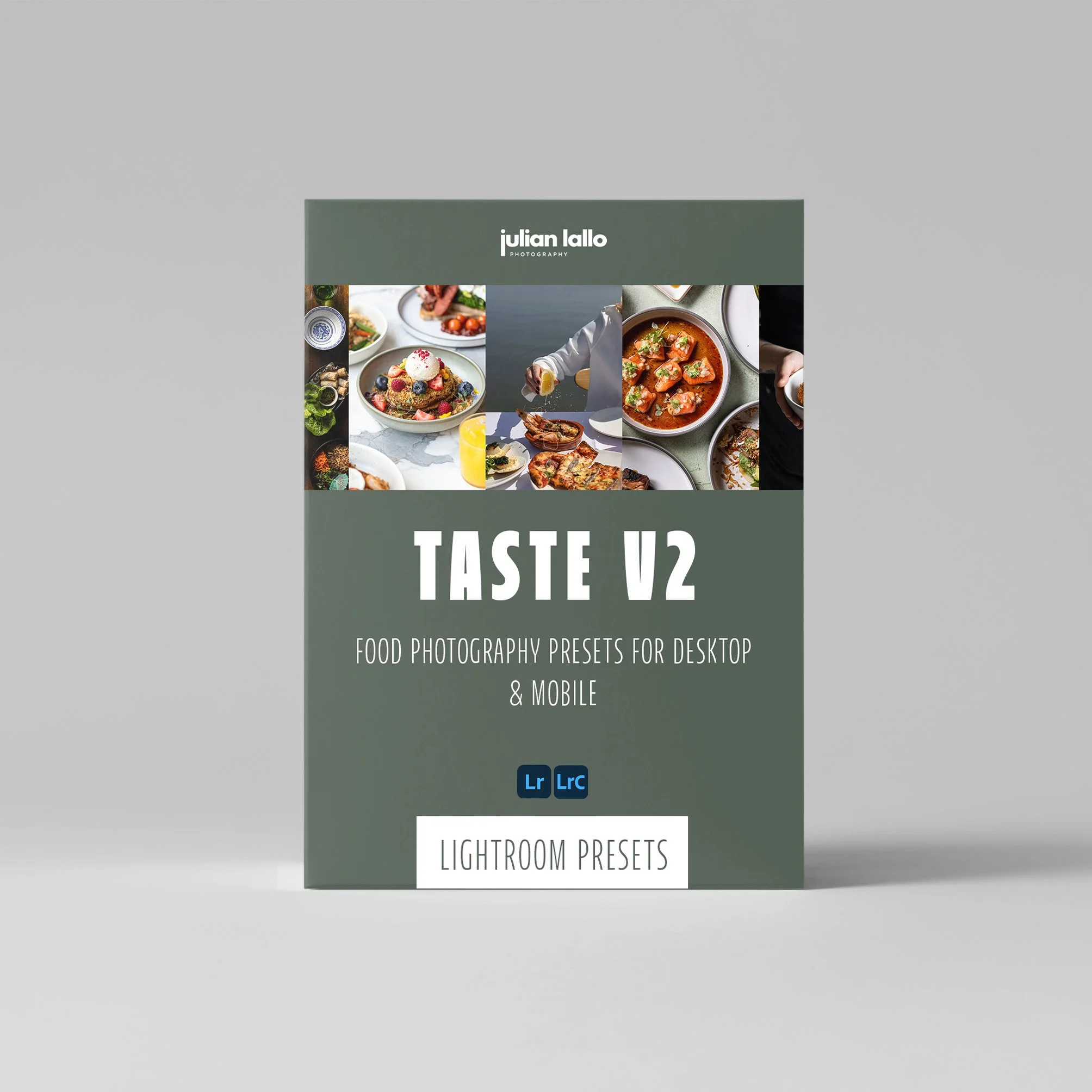
TASTE V2 PACK
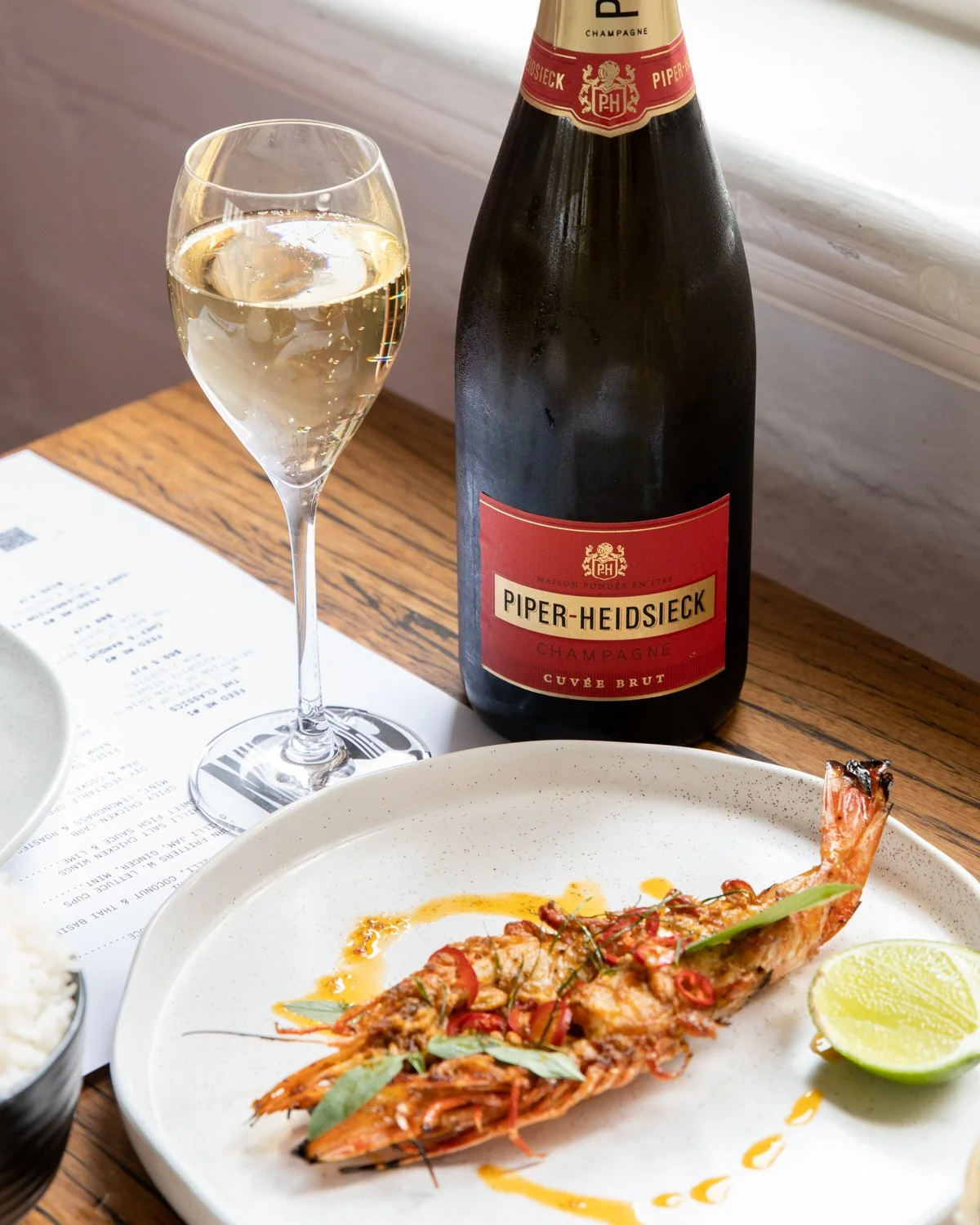
6 refined Lightroom presets designed to deliver consistent, natural colour across food, lifestyle, and venue imagery — on desktop and mobile.
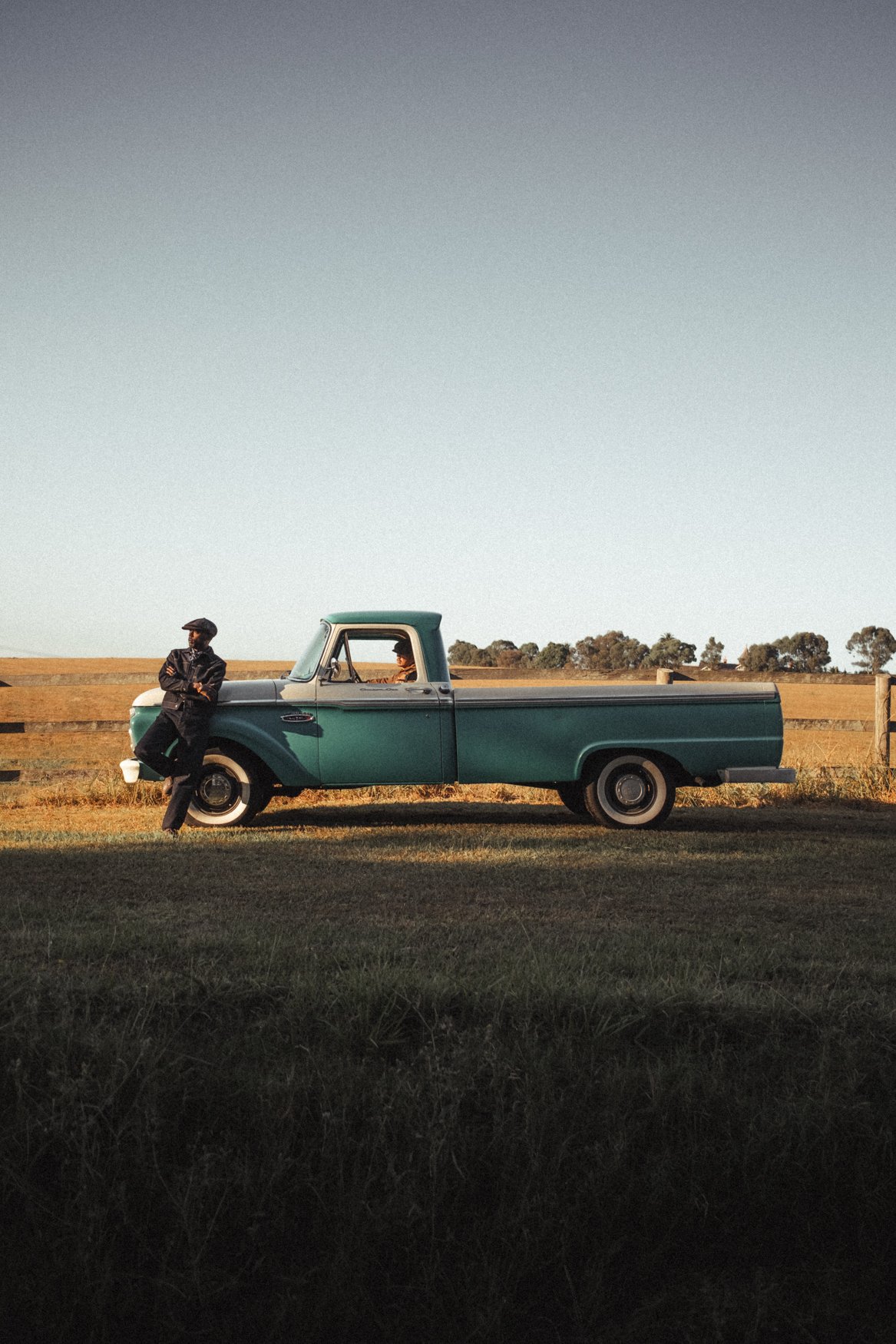
DIGITAL NOSTALGIA
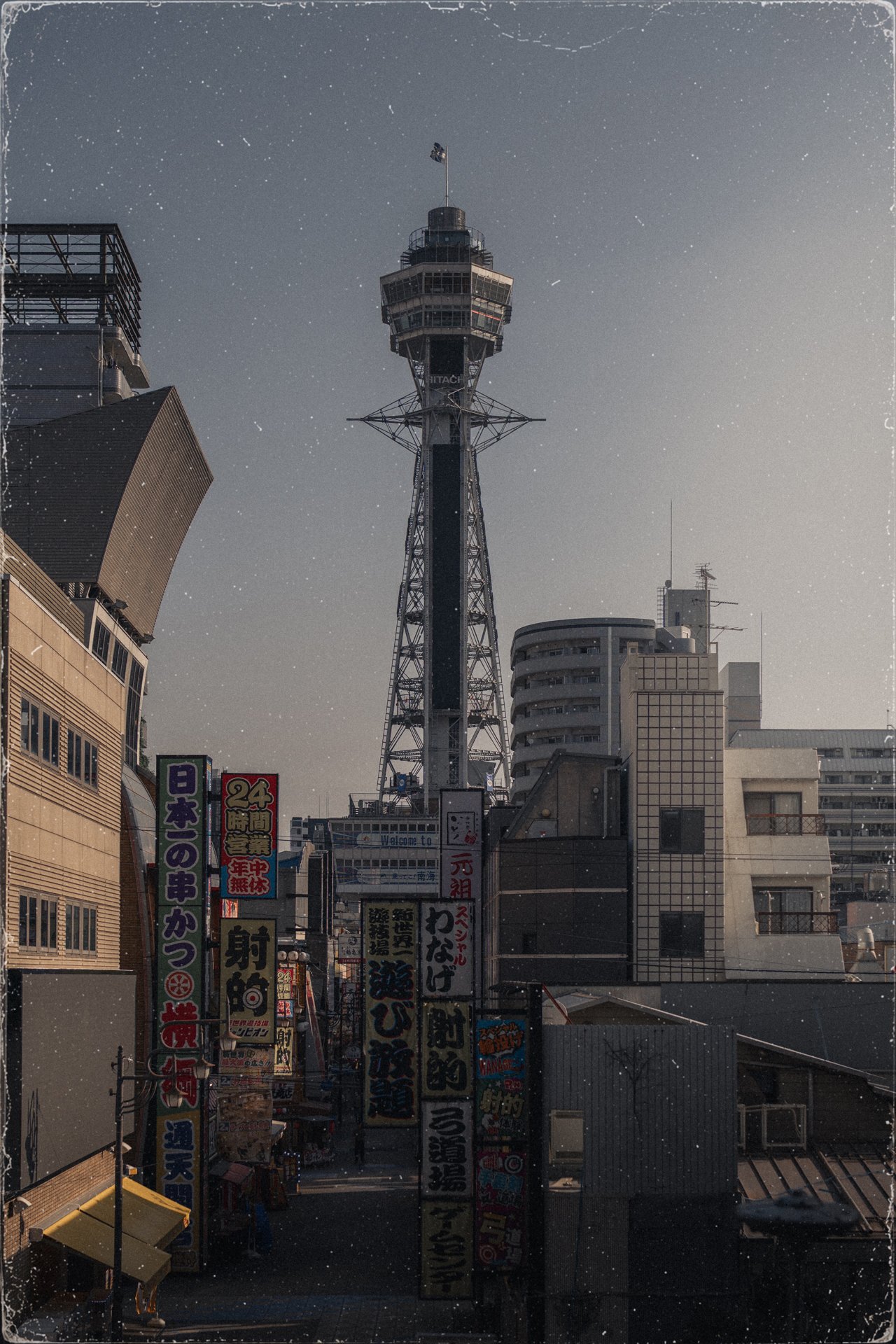
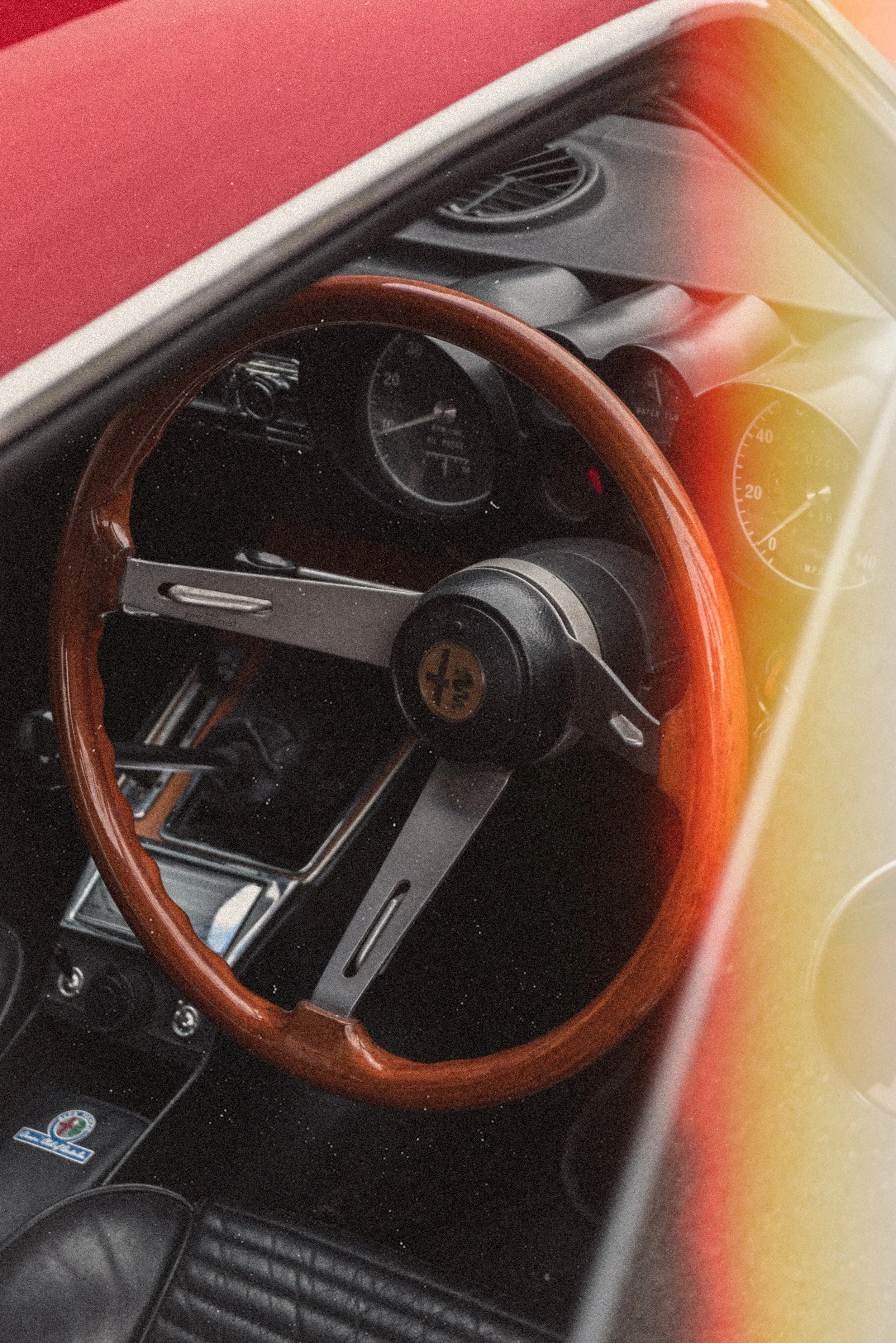
15 analog inspired overlays designed to transform your photography or graphic design by adding a touch of nostalgia through film burns, light leaks, dust and grain.
*price in USD
FREQUENTLY ASKED QUESTIONS
What is a Lightroom Preset?
A Lightroom Preset is a combination of pre-determined positions for the sliders in Lightroom. These slider combinations act on an image in a similar manner to a filter. The advantage of a preset however if that you can then fine tune these slider positions to work with your image.
How do I install the Presets?
Once you purchase a preset pack you will receive a zip file containing the 2 preset files and a PDF with step by step instructions on how to install. Don’t stress - It’s really quick and easy!
What versions of Lightroom does the Preset Pack work on?
The ‘TASTE V2’ presets contain both .XMP and .DNG files meaning that they are compatible with Lightroom CC and Lightroom Classic CC Versions 7 (2018) and onwards.
They are available to use on both desktop and mobile.
What is an overlay?
An overlay is a texture or effect layer placed on top of your photo or video to add atmosphere, depth, and character. These overlays recreate the imperfections of real analog film — including grain, dust, scratches, film burns, light leaks, and vintage frame textures — helping digital content feel more cinematic and organic.
What are the overlay dimensions?
The pack includes 15 high-resolution overlays exported at 1280 × 1920,
Additionally, the two film frame overlays are also included at:
1080 × 1920
1080 × 1350
Giving a total of 19 PNG files
What software can I use these overlays with?
These overlays work with any software that supports PNG files and layers, including Photoshop, Premiere Pro, After Effects, Canva Pro and more.
Please note: as the files are black background PNG (not transparent) they are best suited to Photoshop, Premier Pro and After Affects as these programs have multiple blend mode options.
Will these work for both photo and video?
Yes. The overlays were designed to work seamlessly across both photography and video editing workflows. Keep in mind that they are static in nature — meaning the grain, dust, and film textures do not animate or move on their own when used in video projects.
*please note that given file download is immediate there is a no refund policy on preset packs